

Beginner RC Airplane Troubleshooting Guide 🛩️
If you are new to RC airplanes, most problems come from a few common mistakes.
Fortunately, these issues are easy to understand and fix.
In this guide, we explain the most frequent beginner problems.
More importantly, we show you what to check before your next flight.

Center of Gravity, CG
CG is the most important setup variable for stability.
A tail-heavy airplane stalls more easily and can feel unstable, especially during takeoff and slow flight. A slightly nose-heavy airplane is usually safer for a maiden flight, it will be more stable and less likely to snap stall, even though it may fly faster.
What to check
• Balance the model exactly at the recommended CG points, with the exact battery you will fly
• Confirm left-right balance too, one wing heavy can create a constant roll
• If the model feels twitchy and wants to pitch up and drop a wing, suspect tail heavy first
What to do
• For the maiden flight, shift the battery slightly forward if you are unsure
• Only adjust CG after you confirm control directions, throws, and trim are correct

Flight Weight and Wing Loading
Weight directly affects stall speed and handling. Heavier models stall at higher speeds, need longer takeoff runs, land faster, and feel less forgiving.
What to check
• Compare your real ready-to-fly weight to the reference weight; small differences are normal
• If you increased battery size a lot, expect higher speed and shorter “float”
What to do
• The easiest weight reduction is often a smaller battery capacity, if power is still sufficient
• Keep wiring short, avoid excessive connectors, and avoid heavy paint early on
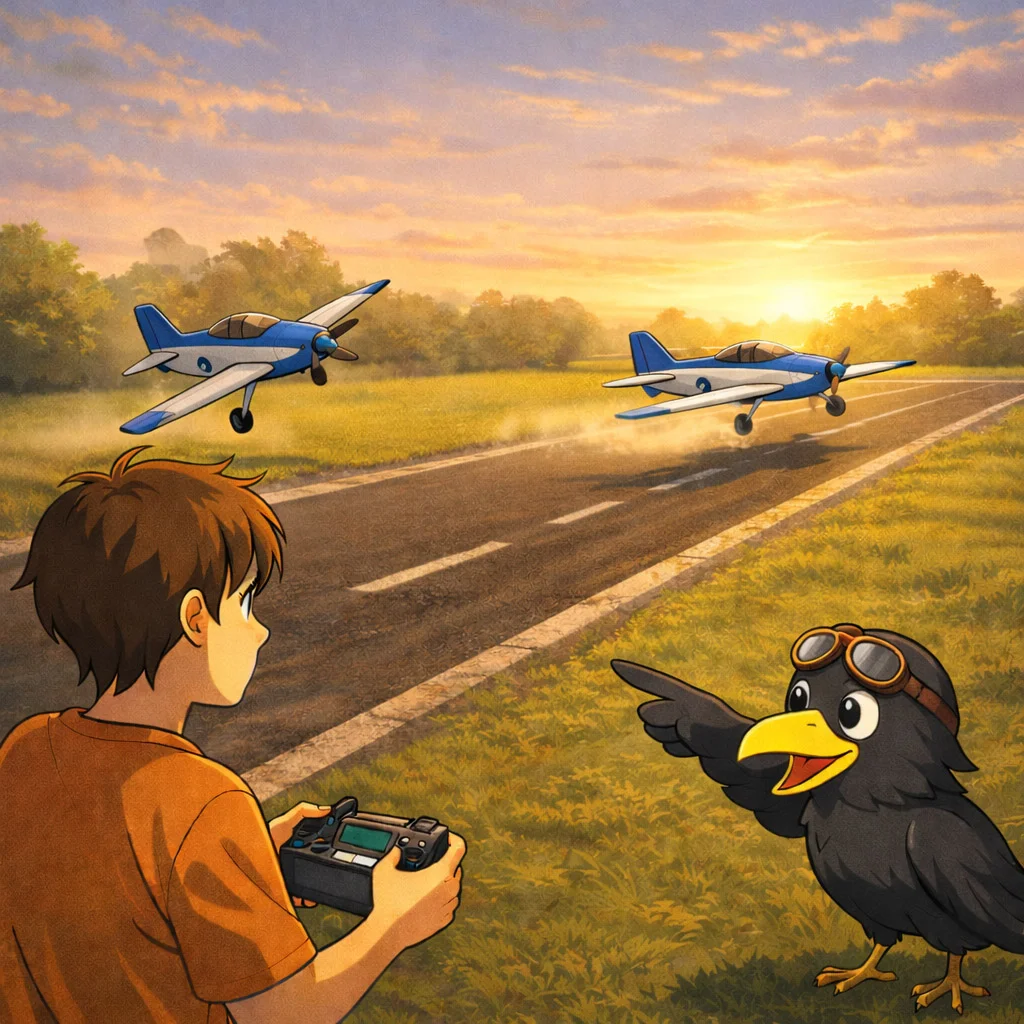
Stall, Takeoff Technique, and the Early Lift-Off Crash
Many beginner crashes are simply stalls right after takeoff. The model leaves the ground before it has enough airspeed, then drops a wing and crashes.
Stall speed depends on model type, wing loading, CG position, and conditions like wind. If you rotate too early, the model can be airborne but below safe flying speed.
What to check
• Are you letting the model build speed in a straight line before pulling up
• Are you taking off into the wind
• Are you hesitating on the throttle, creating a slow, unstable climb
What to do
• Use a longer takeoff roll, build speed first, then a gentle elevator input
• After reaching a safe height, do a few slow passes to learn the dangerous low-speed zone
• If you keep stalling, re-check CG and reduce flight weight if possible
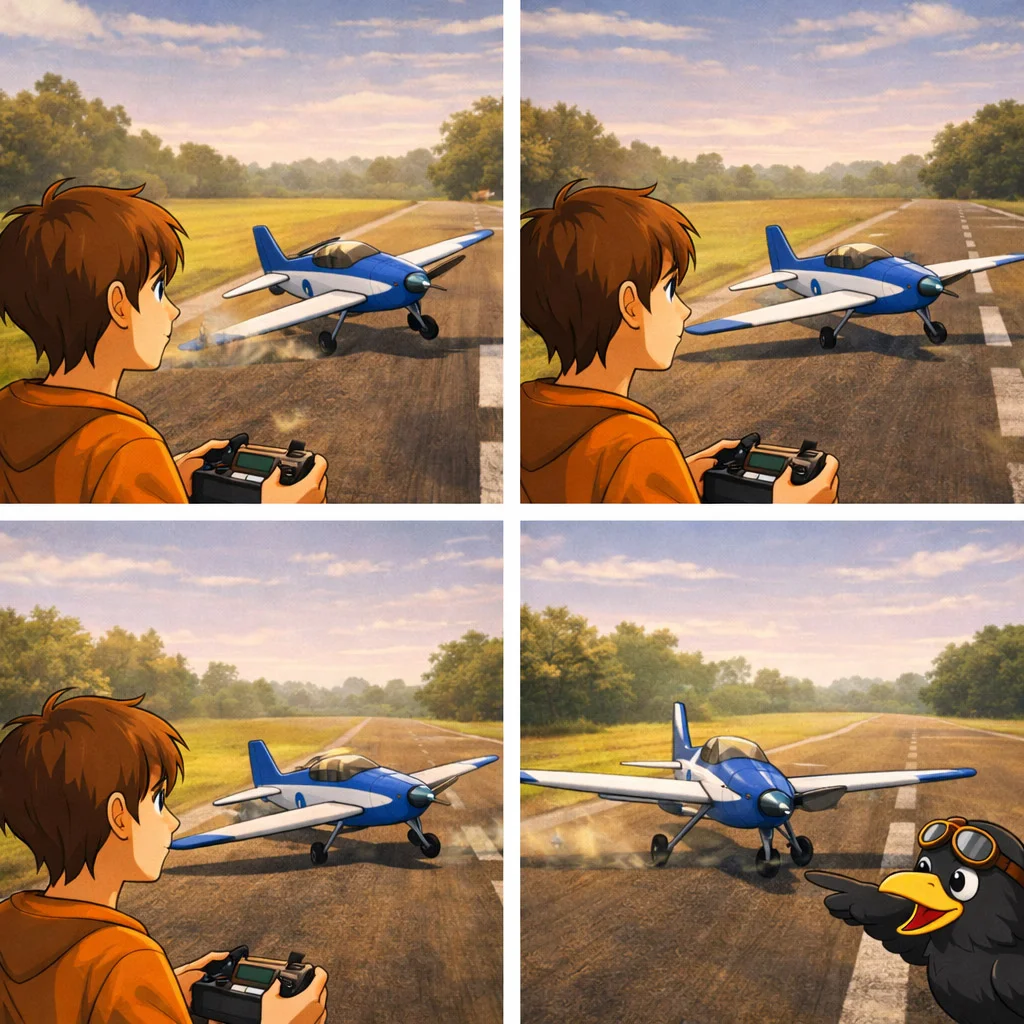
The Airplane Pulls Left or Right on Takeoff
A model pulling strongly to one side during takeoff can be aerodynamic, mechanical, or pilot technique.
Propeller effects like torque and asymmetric loading can create a yaw tendency during high power and high angle of attack phases, especially at takeoff. Right thrust and down thrust are commonly used to counter these tendencies.
What to check
• Landing gear alignment, wheels straight, no binding
• Rudder centered, trims neutral, no servo offset
• Motor mount angle, thrust line not crooked
• Control surfaces not warped, wings not twisted
What to do
• Use the rudder to maintain a straight takeoff run
• If it pulls hard even with correct input, inspect alignment and mechanical symmetry again
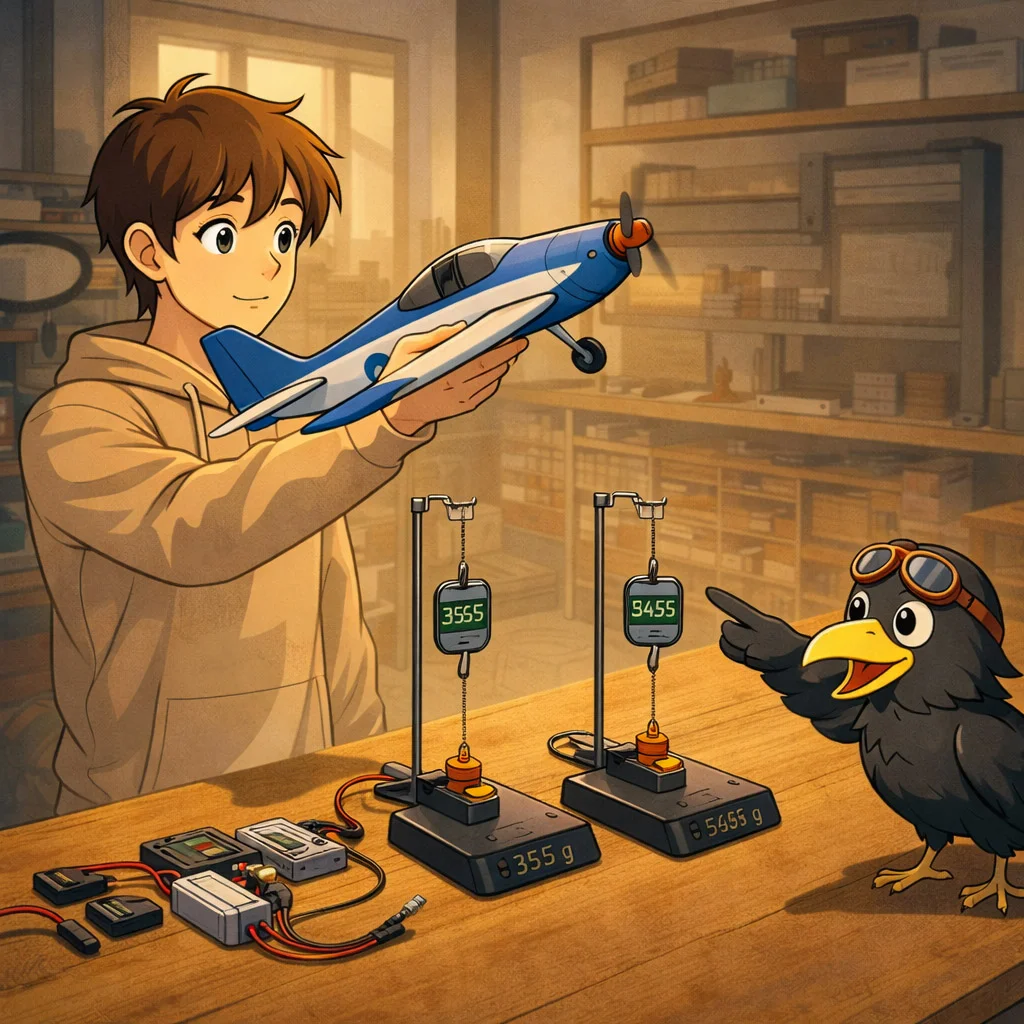
Power System, Motor, Prop, Battery, ESC
If the power system is marginal, the airplane cannot accelerate out of a mistake. Beginners often need a comfortable power margin.
A practical check is thrust to weight. If the model can pull strongly and climb confidently, it has breathing room. If power is weak, stalls are harder to recover from.
What to check
• Battery voltage, correct cell count for your motor and prop choice
• ESC calibration and full throttle reach
• Signs of underpower, slow climb, mushy takeoff, cannot gain speed quickly
What to do
• Use the recommended cell count and prop range
• If the model feels heavy, first try a lighter battery with a similar voltage, not a weaker voltage
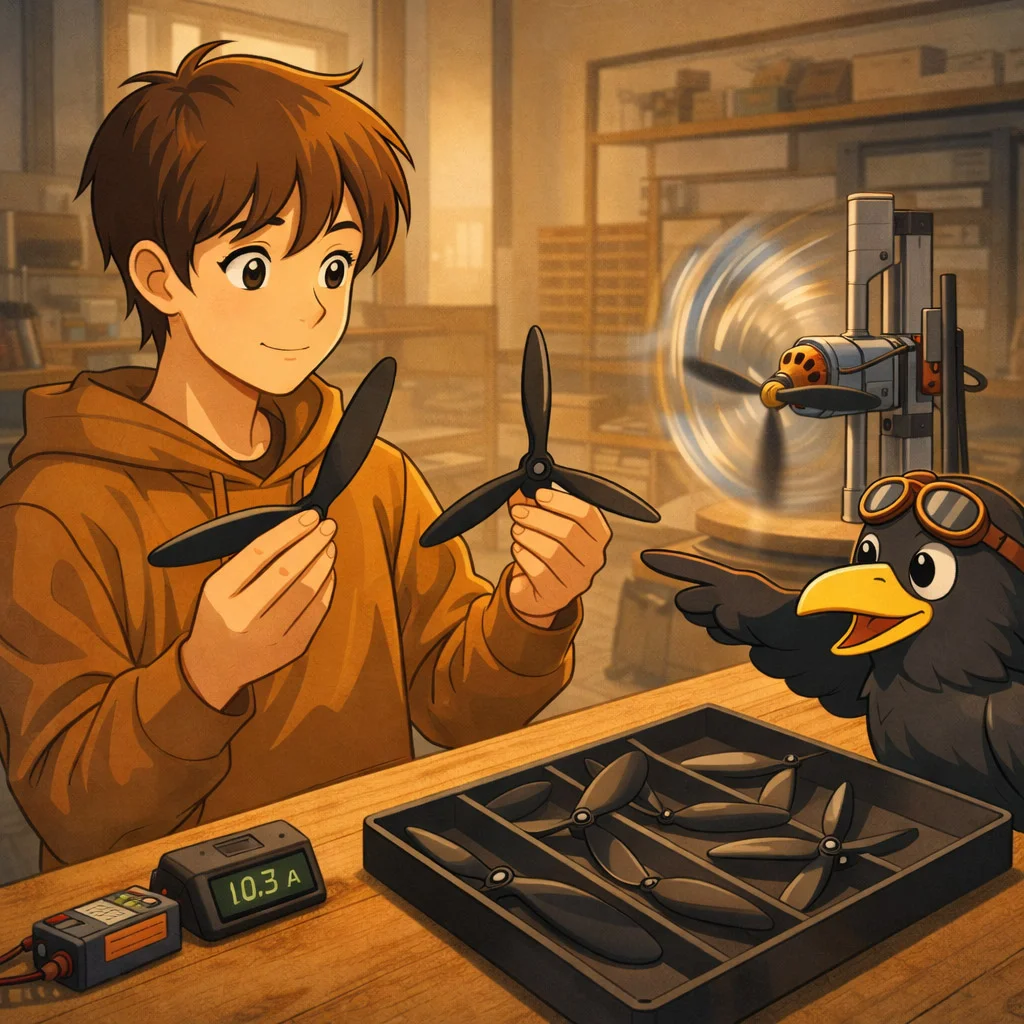
Propellers, Two Blade vs Three Blade, Diameter, Pitch
More blades or a larger diameter often increase drag and load on the system. This can slow the model down, but it can also reduce efficiency and increase current draw.
Three-blade props can provide more thrust at the same diameter and pitch, but they typically require more power because of extra drag, and are often less efficient than a two-blade prop.
Simple guidance
• Two-blade is usually the efficiency baseline
• Three-blade can be useful when you want similar thrust in a smaller diameter
• Always re-check the current draw when changing props; do not assume it is safe
Training note
• If a prop change slows the model slightly, that can feel easier for training, even if it is not the most efficient solution
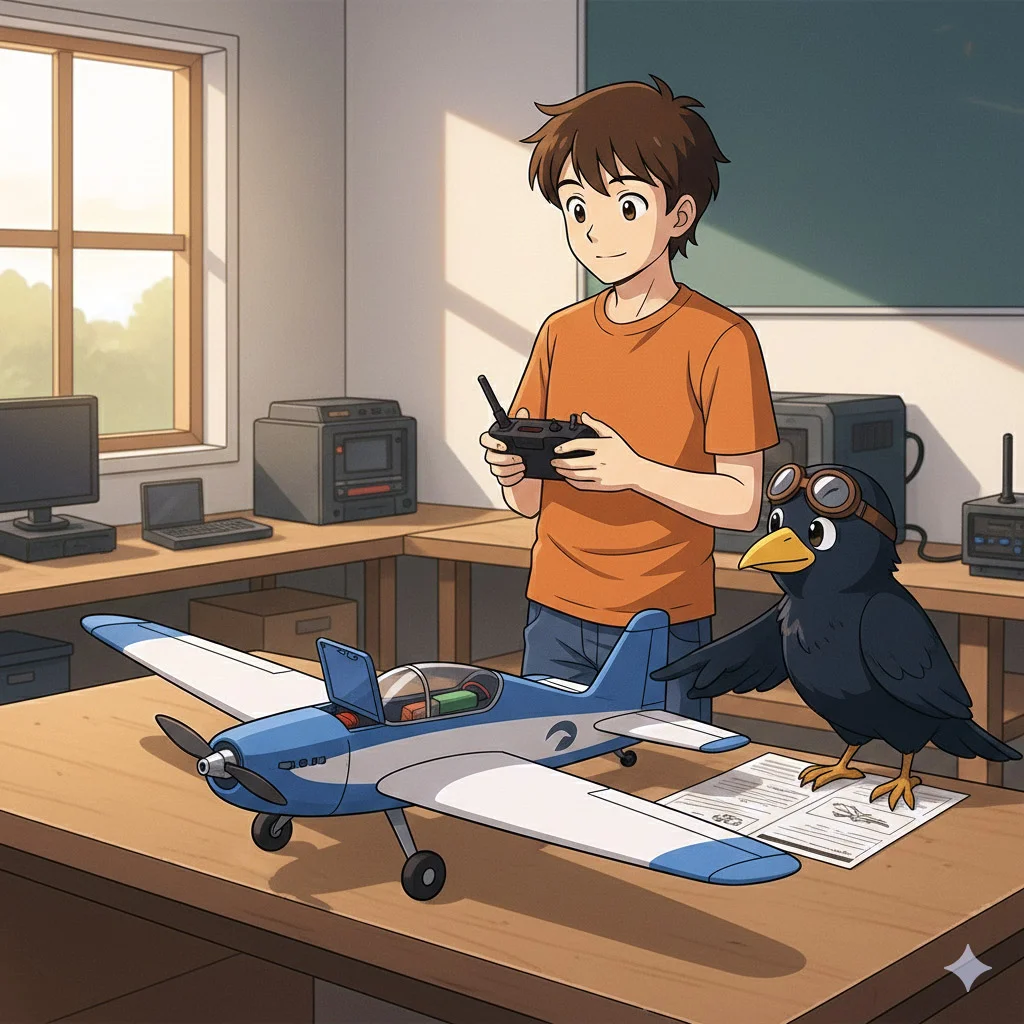
Control Directions, Throws, Dual Rates, Expo
Many “it flies crazy” reports are simply reversed controls, too much throw, or no expo.
Dual rates limit maximum control deflection, and expo softens the response around the stick center. Beginners usually benefit from moderate expo and sensible throws to avoid over-controlling.
What to check
• Correct control direction for each surface
• Mechanical centering, servo arms at 90 degrees, linkages equal
• Throws not excessive for the maiden flight
What to do
• Use dual rates, start with lower rates for takeoff and landing
• Add expo to soften the center, then adjust after a few flights
Important Note: PDF User Guide of Craycle Planes includes:
– Throw Distances “in mm”
– Servo Arm Hole Preference for Pusrod Assembly
– Servo Rates (Radio settings)
– Servo Expos (Radio settings)
for each model. Once you fit these adjustments, your model will fly calml,y and the controls will be smooth as they should be.
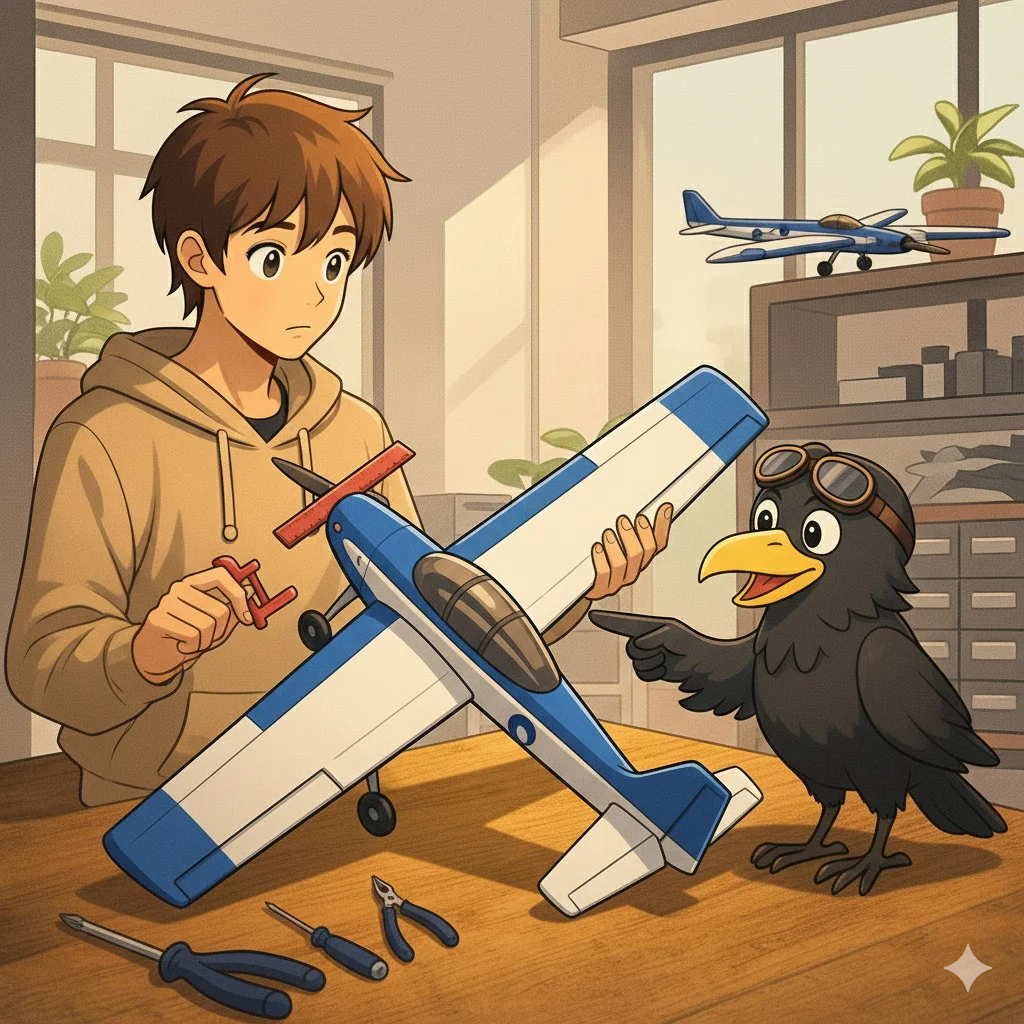
Trim, Alignment, and Hidden Asymmetry
Even with perfect electronics, a small mechanical misalignment can cause constant roll, yaw, or pitch issues.
What to check
• Wing halves aligned, no twist
• Elevator and rudder neutral relative to the stabilizers
• Motor mount straight, no unwanted side thrust
• Fuselage straight and assembled well
• One side heavier, battery offset, camera offset
What to do
• Fix the root cause mechanically first, trim should be small adjustments, not a crutch
• If you need a large trim, something is likely misaligned

Range Check, Failsafe, and Pre-Flight Safety
A surprising number of “random crashes” are radio link or failsafe problems, especially after changes.
What to check
• Range check procedure for your radio system
• Failsafe behavior, throttle must go to safe state
• Antenna placement and receiver mounting
What to do
• Do a range check after any rebuild or electronics change
• Test failsafe on the bench with the prop removed, or the model firmly restrained

Weather and Field Conditions
Wind and runway surface change everything. Grass increases rolling resistance, reducing takeoff acceleration. Crosswind can force yaw on the ground.
What to check
• Wind direction, take off into the wind
• Surface friction, grass vs asphalt
• Crosswind strength relative to model size and pilot experience
What to do
• Maiden flights are best in calm conditions
• Choose a wide open field, give yourself room to abort the takeoff
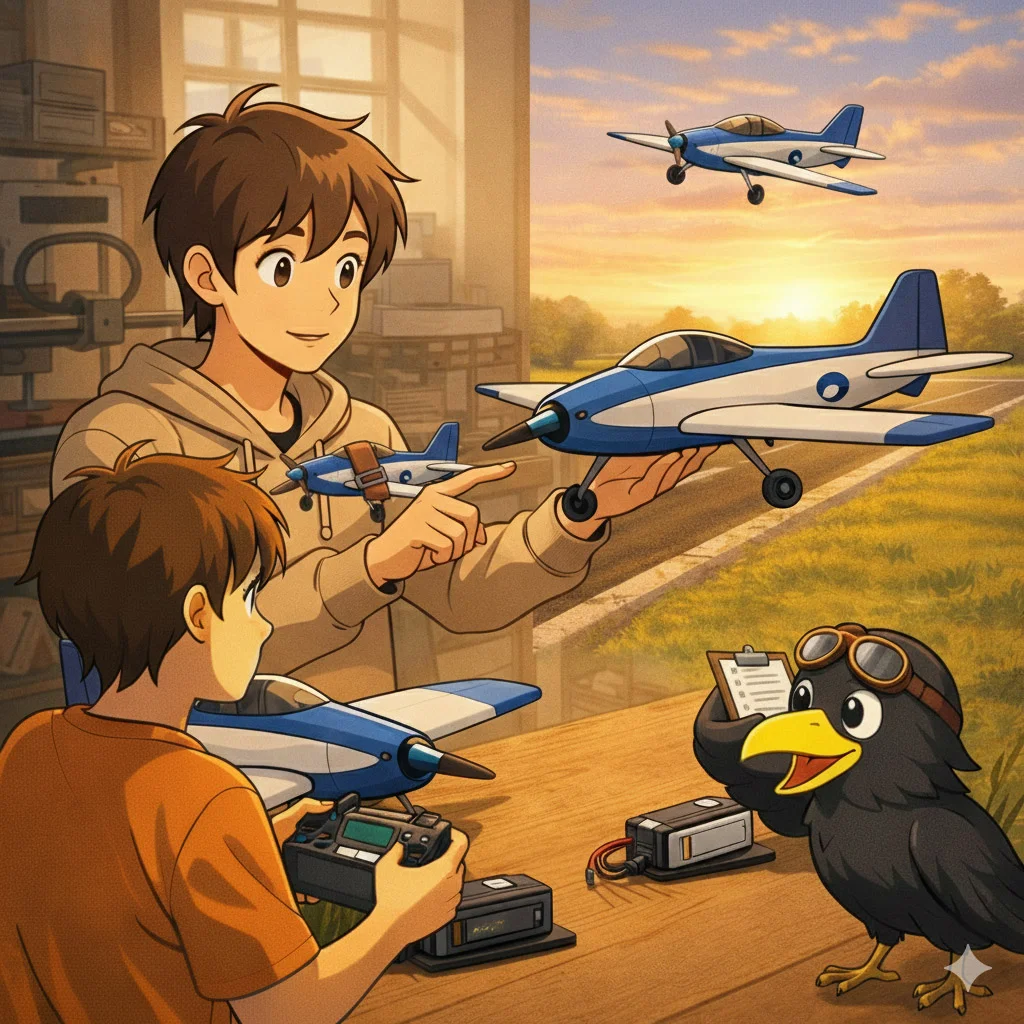
Maiden Flight Plan, A Simple, Repeatable Process
A good maiden flight is not about pushing limits, it is about verifying basics and trimming.
A safe maiden flow
• Pre-flight check, control directions, throws, linkages, prop tight, battery secure
• Range check, failsafe check
• Smooth takeoff, climb to safe height
• Trim for level flight at about 60% throttle
• Explore slow flight gradually at altitude
• Land early, adjust rates and expos as final for yourself, inspect everything, then fly again

Simulator Practice
If your main issue is takeoff control, overcorrecting, or panic inputs, a simulator is the fastest way to build muscle memory without breaking models.
A simple goal
• Practice straight takeoff runs, smooth climb outs, gentle turns, and controlled approaches
• Learn to recognize the stall feel in the simulator first
Craycle Learning Resources
Start here to understand the Craycle system and your first steps
https://craycle.com/beginner-guide-welcome-to-craycle/
Printing checklist for consistent parts and correct weight
https://craycle.com/begginer-guide-printing-checklist/


what simulator do you recommend for training?
Hello, we are using Aeroflight RC Simulator on Steam.