Loading cart items…
Subtotal—
Total—
Explore Craycle airplane STL files, printable accessories, add-ons and functional designs. Download instantly and print them with your own 3D printer.
Need help choosing an aircraft? Find Your ModelChoose the type of digital product you need, then browse the matching category.
All 3D printable aircraft model files.
Optional mods like floats, hatches, landing gears, wing options and etc.
Printable tools and accessories for RC hobbyists.
Useful printable tools and accessories for FPV, workshop, or daily use.
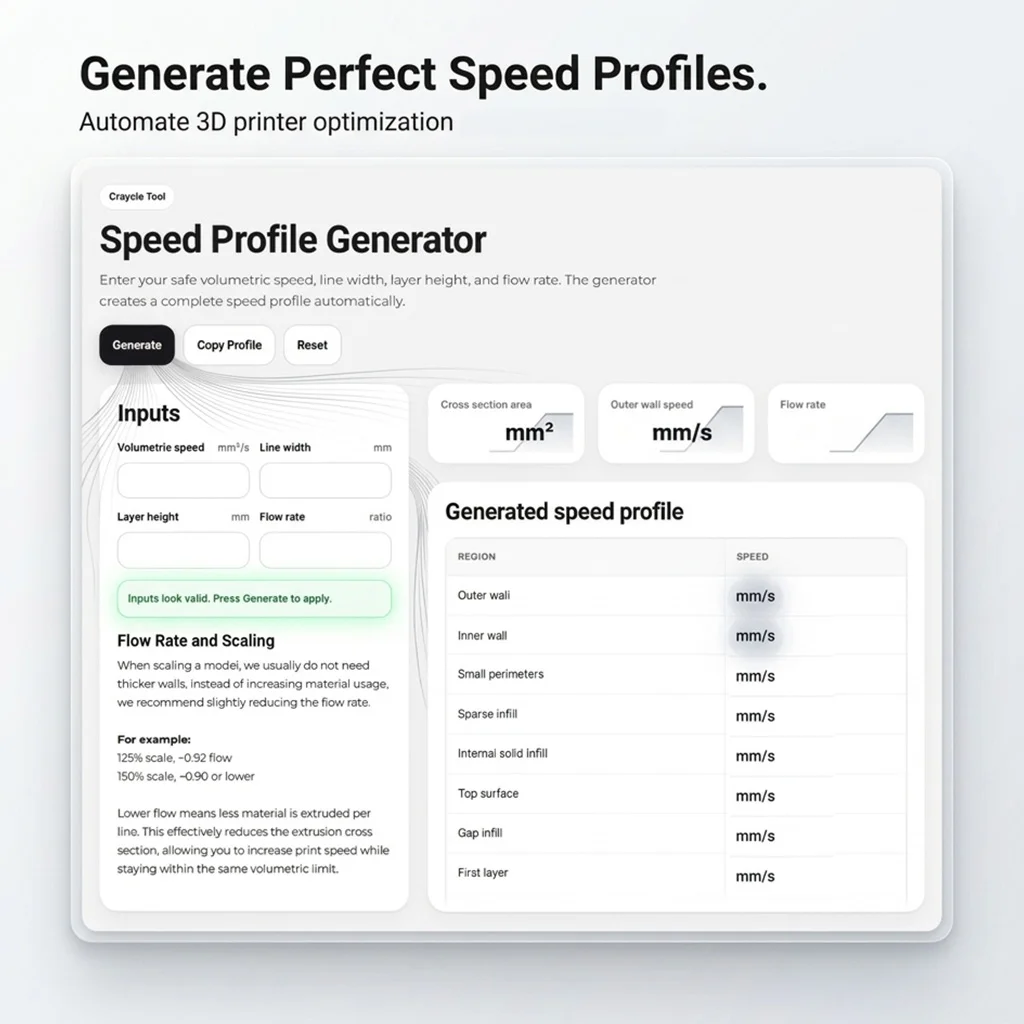
Explore useful digital tools for building, planning, and flying 3D printed RC aircraft.
Explore Craycle RC airplane STL files designed for practical printing, straightforward assembly and reliable flight performance.

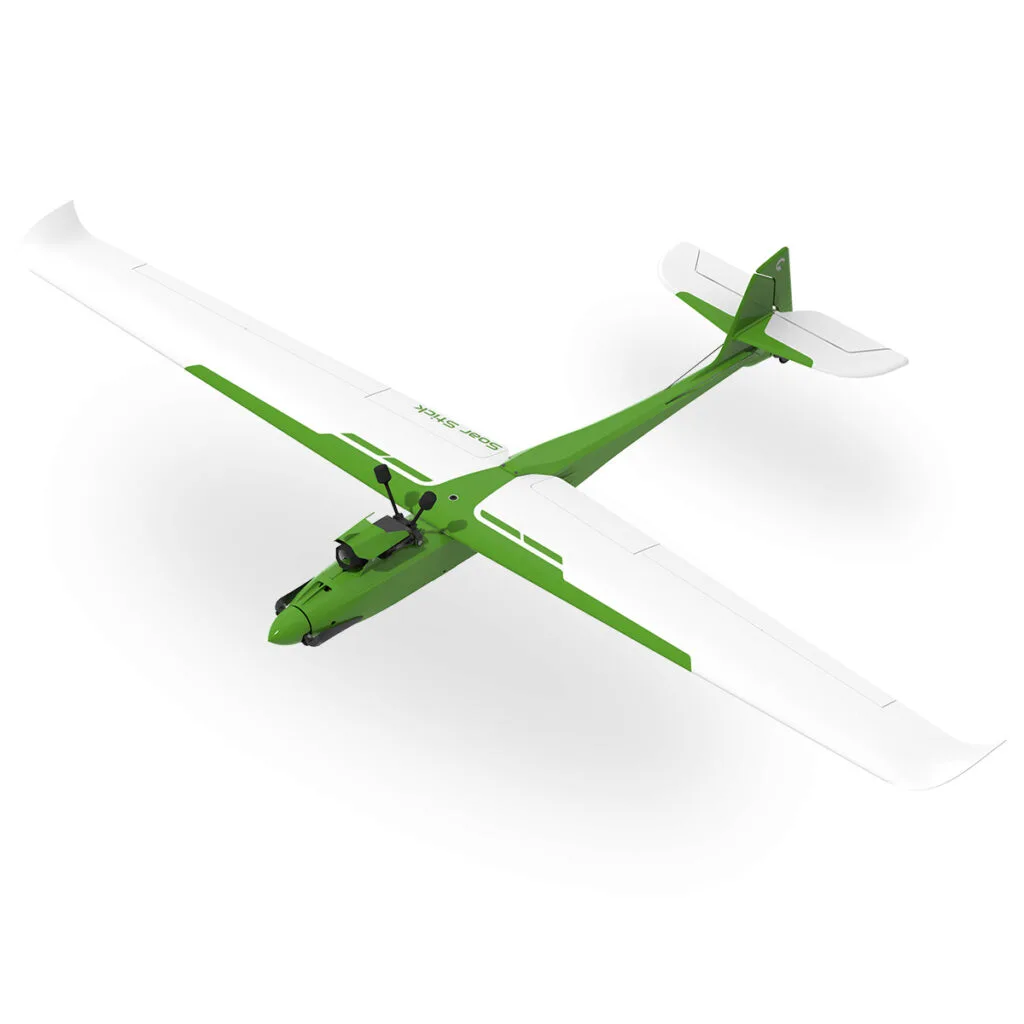
Soar Stick is a lightweight, high-performance glider developed from the Stick platform, featuring an optimized airfoil, extended wingspan,…

800mm 3D-printable RC trainer plane, easy build, beginner-friendly, stable flights!
 -10%
-10%
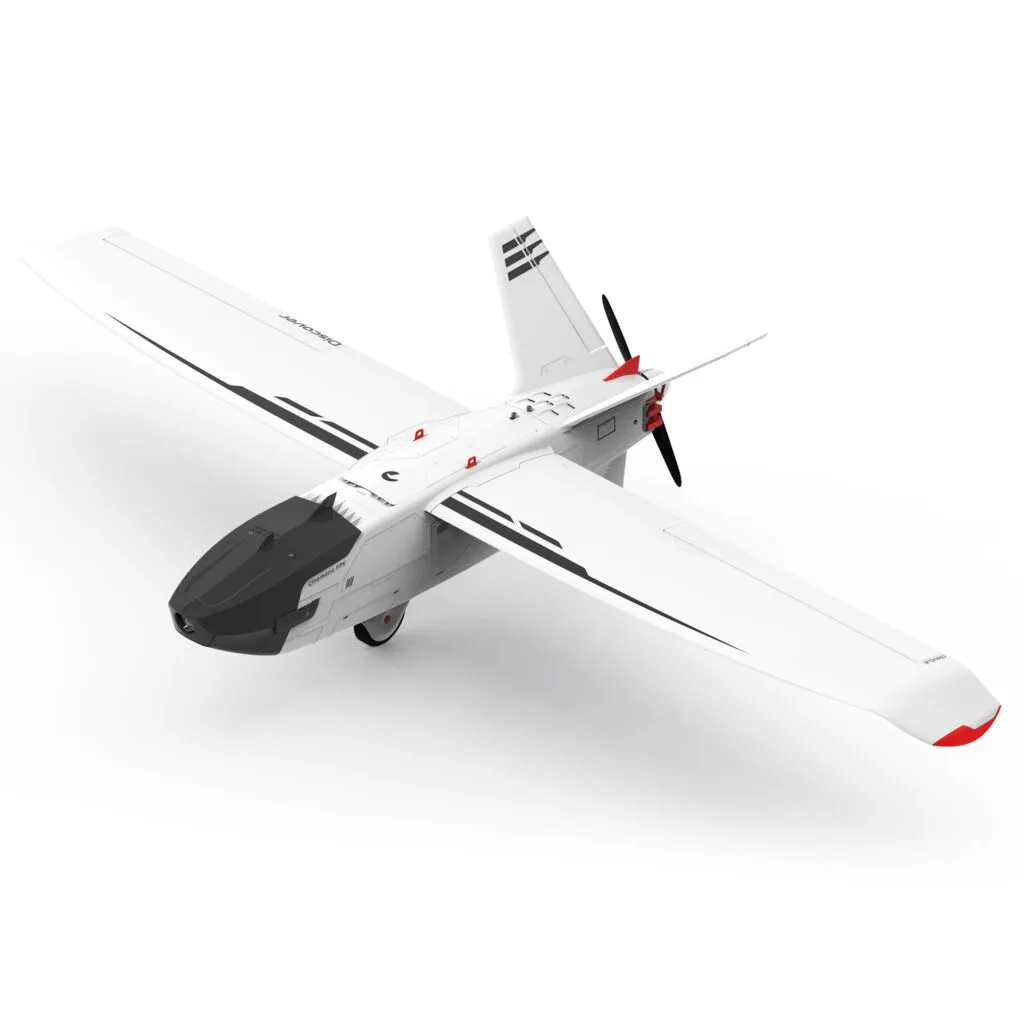
1200 mm Multi-Purpose Long-Range, Cinematic FPV Platform, and Discovery Plane!

800 mm Super Scale Pa-18 Super Cub RC FPV Trainer Plane STL Files, Ready to Print G-codes and…

Crow Racer 3D Printed RC FPV Plane STL Files G-codes and more.

Ranger V3 is a versatile, FPV-ready, and durable 3D-printed RC trainer plane for all skill levels.

FPV Orca 3D Printed RC FPV Flying Wing STL Files, Ready to Print G-codes and more.
Add new capabilities to your Craycle aircraft with model-specific wings, floats, hatches and other printable upgrades.
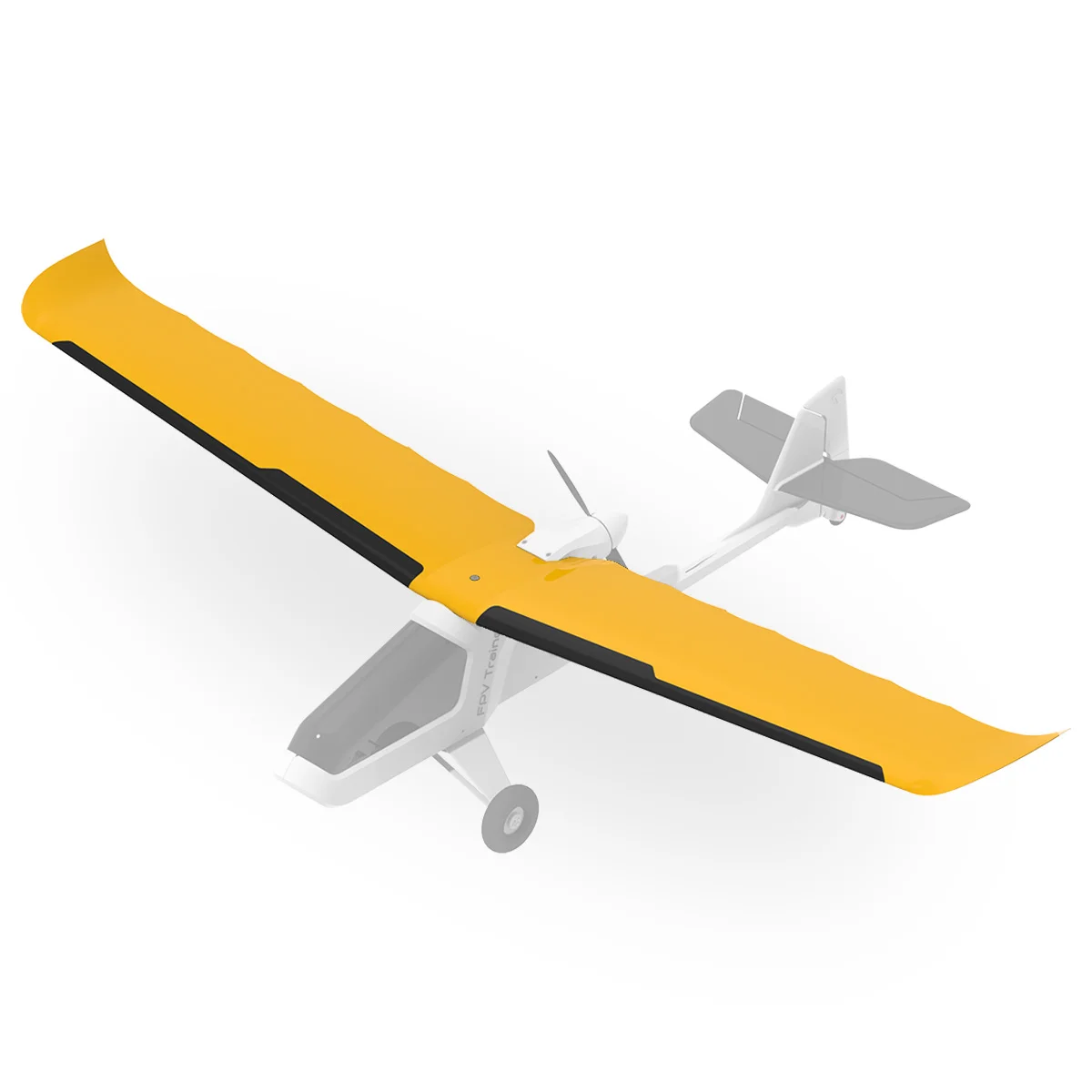
Transform your Craycle Ranger into a beginner trainer with this 3-channel 1000 mm wing add-on — stable, slow,…
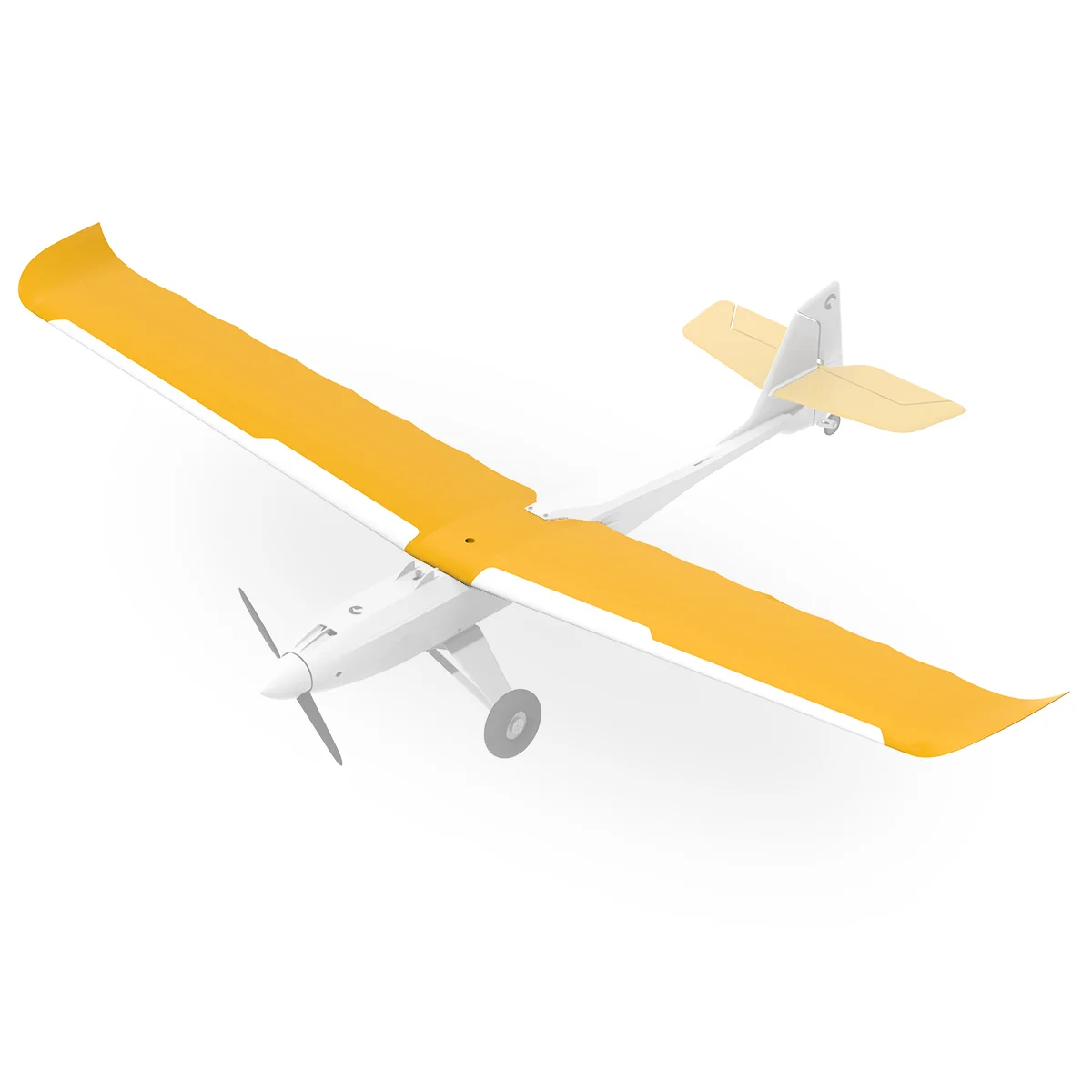
Transform your Craycle Stick into a beginner trainer with this 3-channel 1000 mm wing add-on — stable, slow,…

Printable Discover hatch for AtomRC FPV Gimbal. V1 compatible, V2 usable without quick release. Quick swap, no fuselage…

Printable Orca V3 hatch for AtomRC FPV Gimbal. V1 compatible, V2 usable without quick release. Quick swap, no…
 -10%
-10%
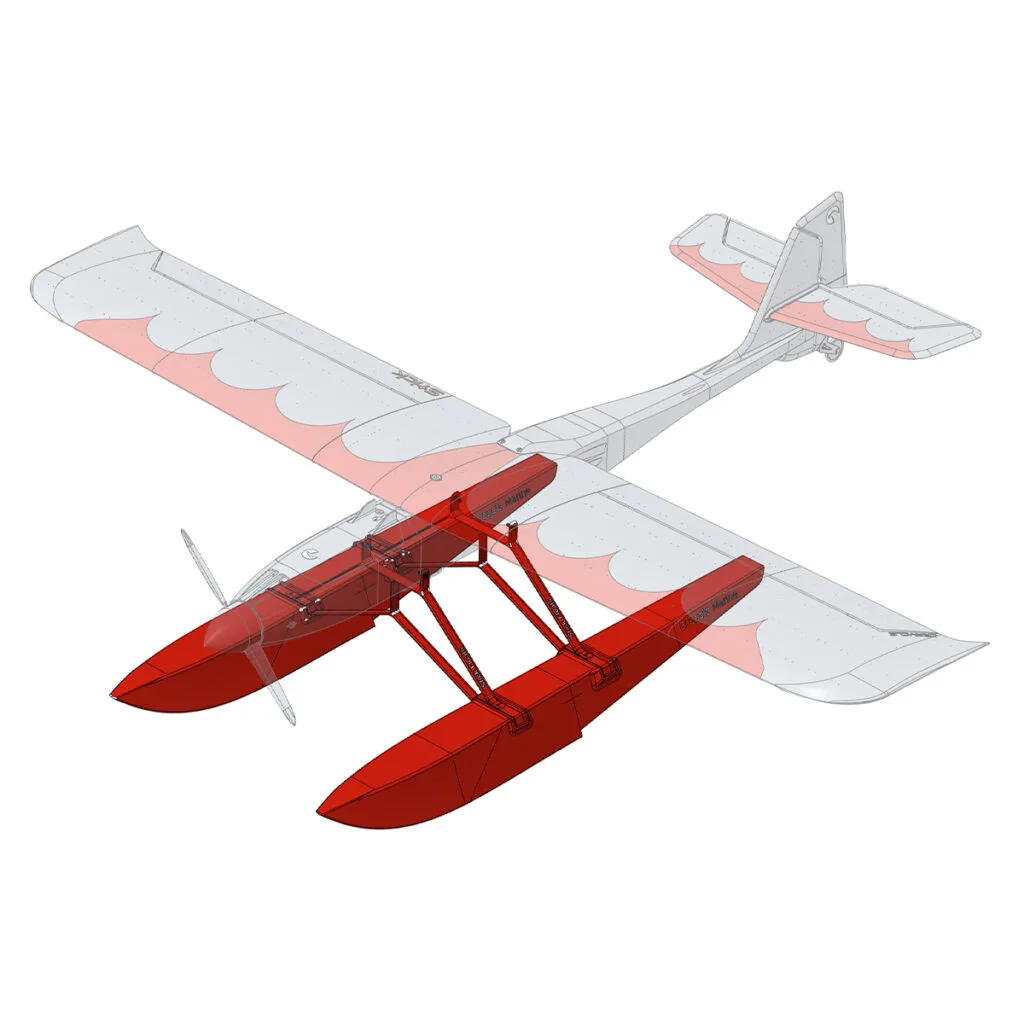
3D printed float set for Stick. Lightweight, scalable, and easy to swap with landing gear for both land…

3D printed float set for Ranger. Lightweight, scalable, and easy to swap with landing gear for both land…

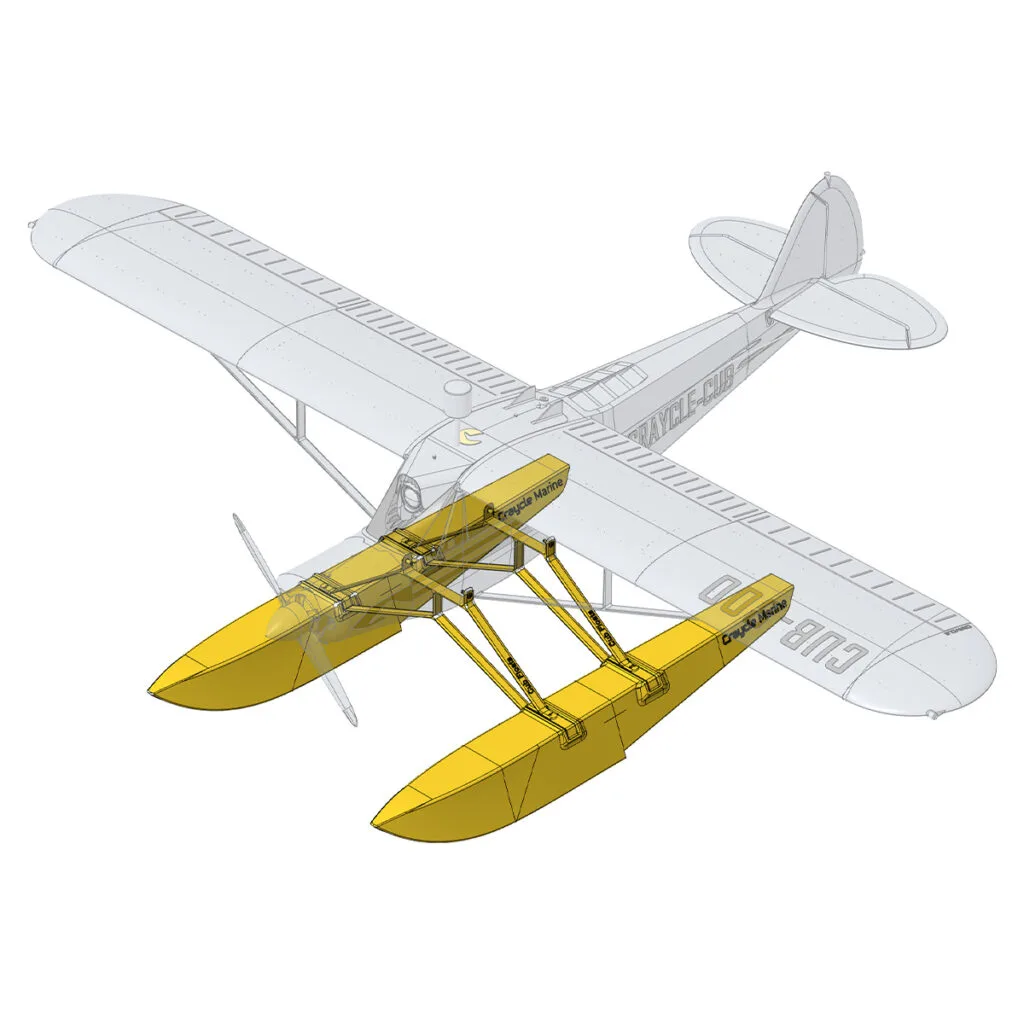
3D printed float set for CraycleCub. Lightweight, scalable, and easy to swap with landing gear for both land…
Discover printable RC accessories, workshop tools and practical designs for building, flying and everyday use.
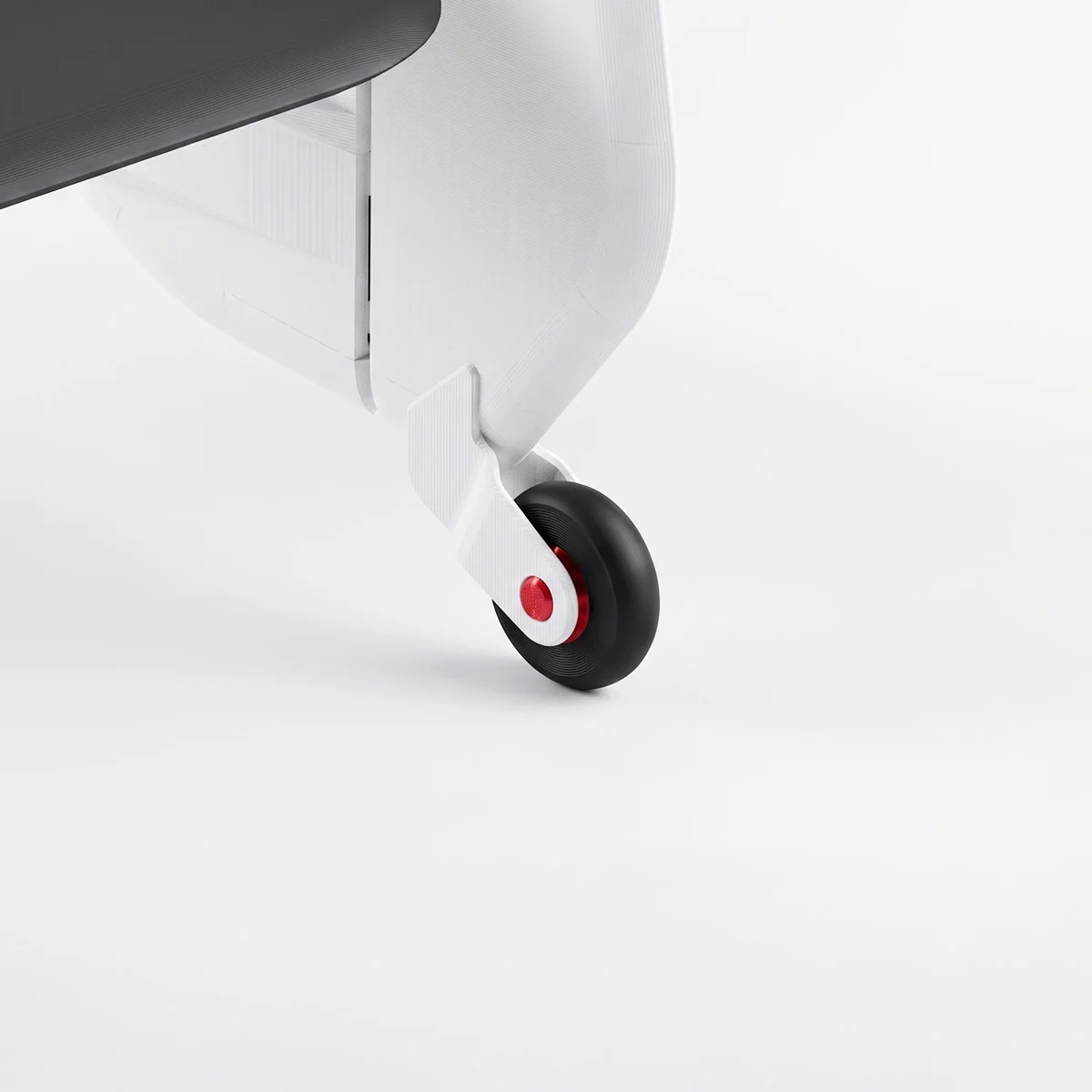
Rudder Gear V2 is a removable RC airplane tail wheel system with a PLA body, PETG rims, and…
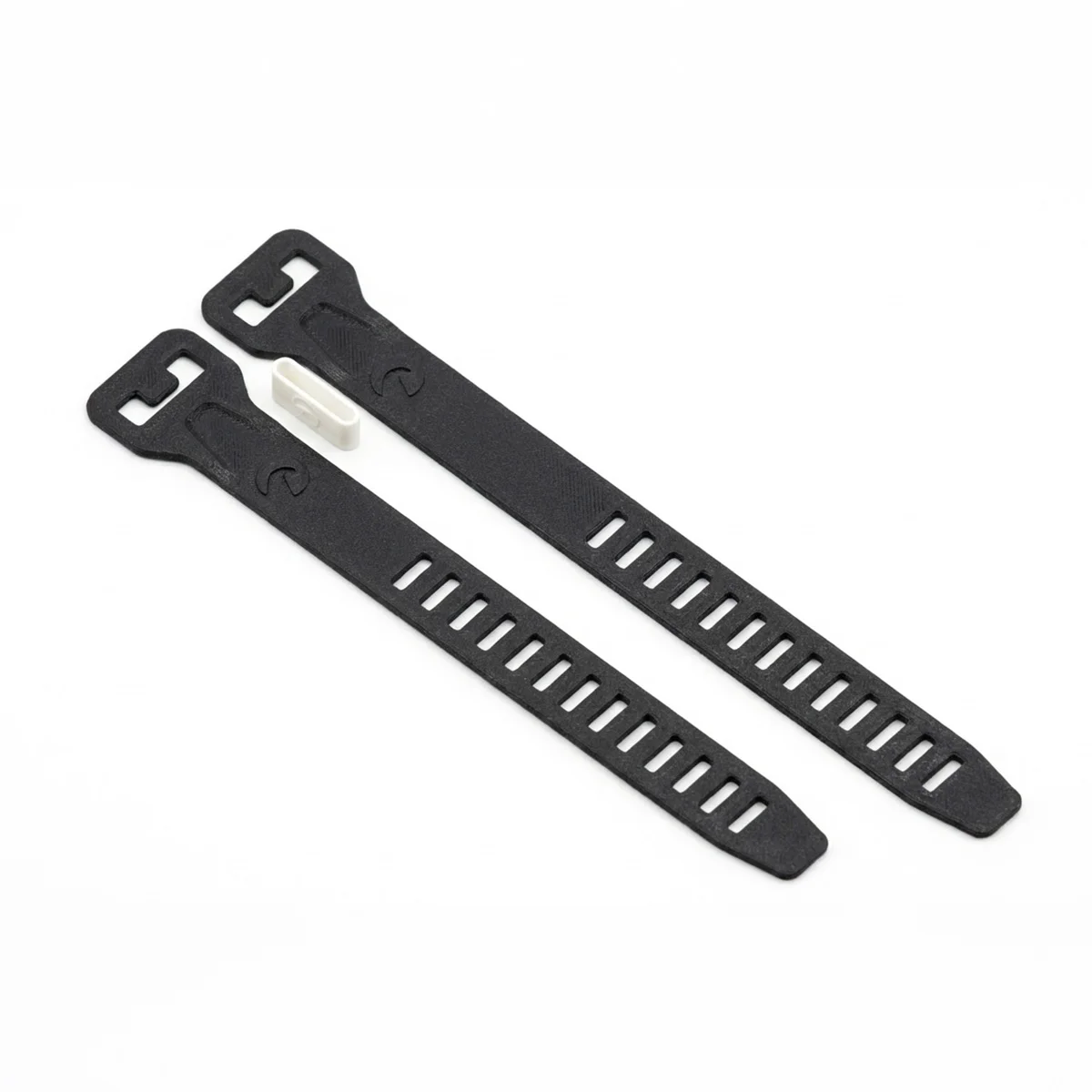
High grip TPU LiPo strap for FPV and RC models. Available in 160×18 mm and 180×18 mm sizes,…

Enhance your FPV experience with the Craycle FPV Gimbal, a fully 3D printed, ultra-light 2-axis servo gimbal for…
 -16%
-16%
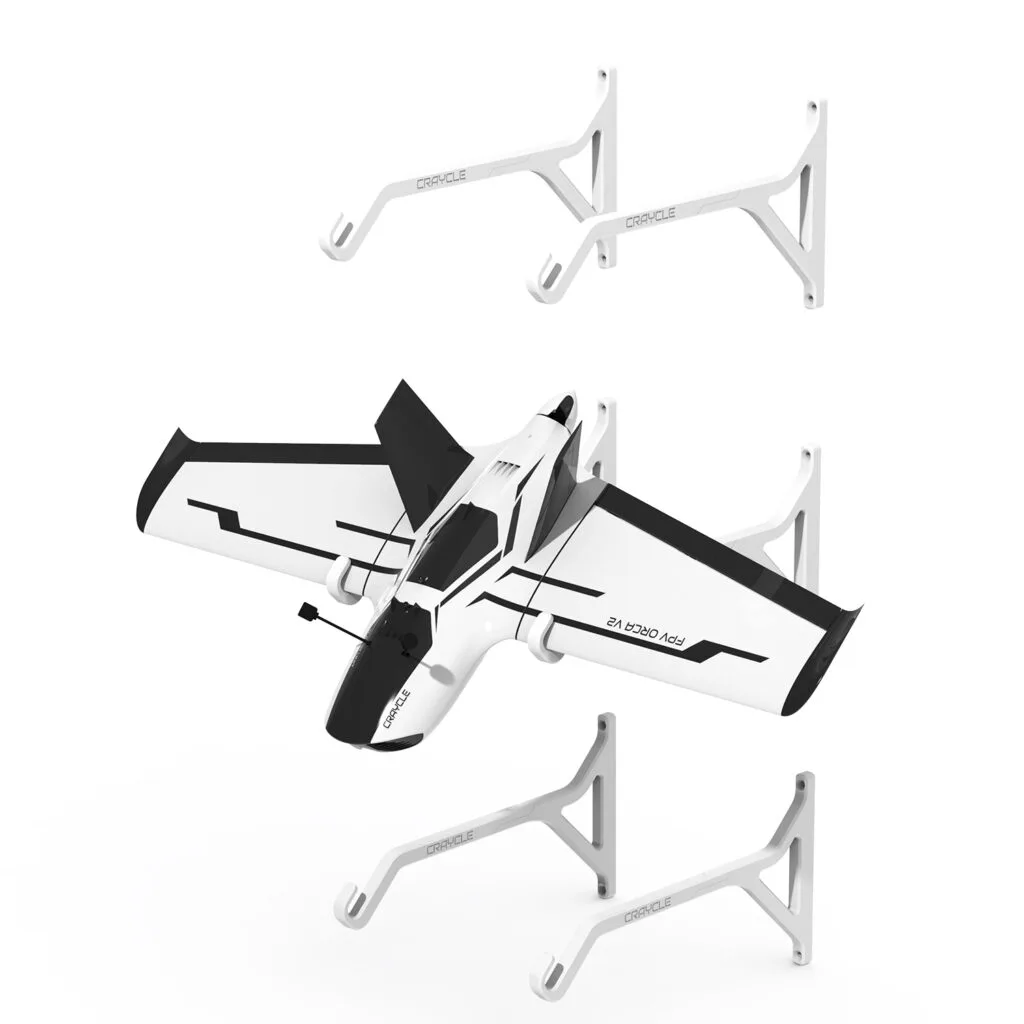
RC Plane Wall Mount for Any Model Up to 2000 mm Wingspan.

3D Printed Screw Free Propeller Spinner Pack V4 STL Files.

Z Axis Limit Switch Mounting Option for Creality Printers.

3D Printed Slica Gel Box for Filament Dry Box STL File

3D Printed Foldable Ipad Stand ST File

3D Printed Mechanical Led Arm Design STL Files.

3D Printer Filament Dust Filter STL File.

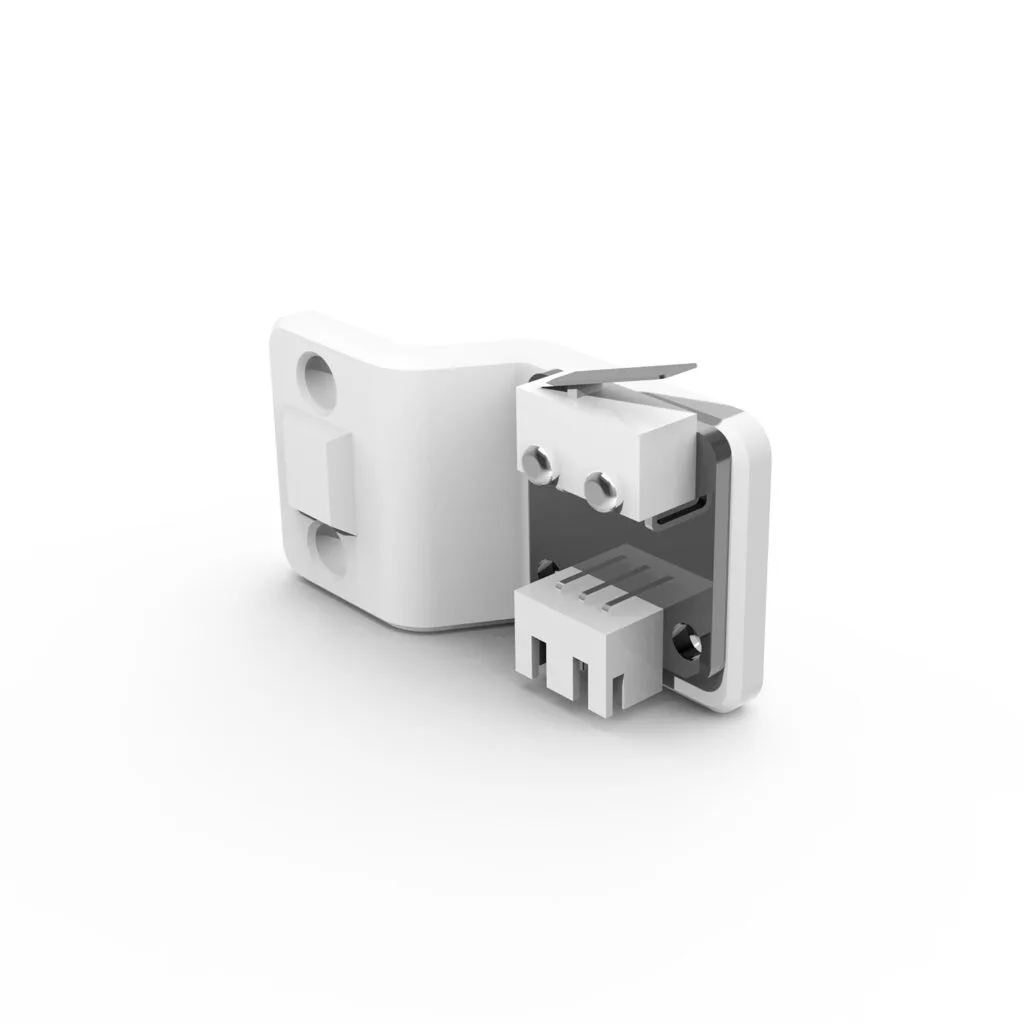
Creality 3D Printer Z Limit Switch, Filament Sensor Converter STL File.

3D Printed Spring Lock Design for the Canopies and Hatches.
Download selected Craycle STL files for free and start printing right away.
Rudder Gear V2 is a removable RC airplane tail wheel system with a PLA body, PETG rims, and…
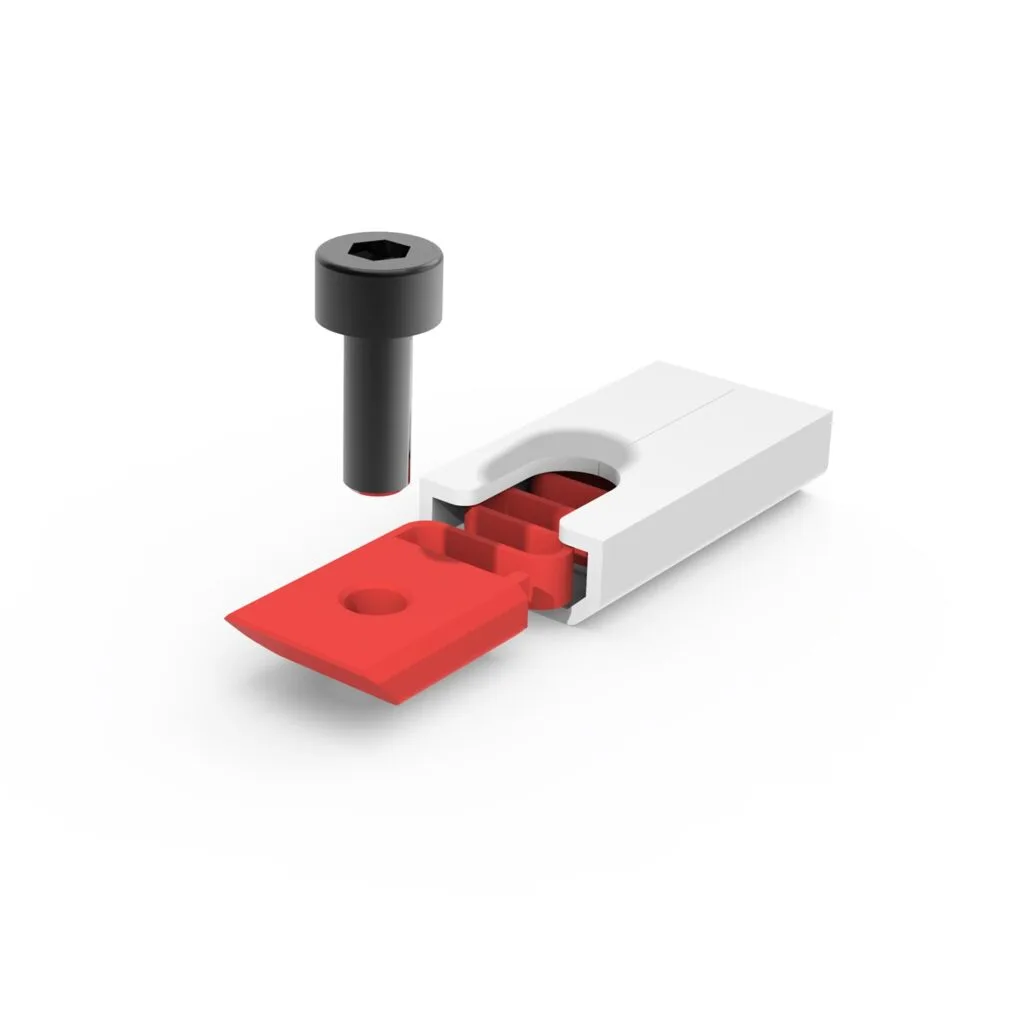
Z Axis Limit Switch Mounting Option for Creality Printers.
3D Printer Filament Dust Filter STL File.
3D Printed Spring Lock Design for the Canopies and Hatches.

Explore the model, included files, printing details, and recommended setup.
Explore the model, included files, printing details, and recommended setup.

“Very pleased with the simplicity of the print and how it went together perfectly. Took it out for it's first flight and was surprised on how quick and…”

“I bought it, downloaded it and produced it. Now the live version is in my hands. I recommend it. It's amazing. I will go try it as soon as possible.”

“Discovery first impressions. I had no problem downloading the files and also the Cura profile which installed without any issues (yes I am using 4.13.…”

“Very nice model! It's fast and uncomplicated to print (not many parts). Building is easily done in a weekend. And it flies very stable when up in the…”

“I have tried to print a lot of different planes using LW PLA, but never had any success flying them, they were too fragile to survive landing. So I de…”

“It is really a good arranged file for 3d printer. I used Bambu Lab H2S in a good condition, and bambu studio. Every part was printed without problem..…”

“This a great design! So easy to print and build. I have built a few planes so far and had a real problem getting the cg right. The design of this plan…”

“Was an easy set up for really enjoy, putting it together and flying it”

“Good night. I want to congratulate Cemal and the entire team that has designed the Discover, which apart from being a very beautiful model and flies f…”

“Title: Perfect Details and Great design! Comment: When I received my model plane, I encountered a much more impressive and detailed product than I exp…”

“I’ve printed the Ranger V2 Sport three times now, and I’m really impressed with it! While there were some initial tweaks I had to make, the performanc…”

“They Files look great will be building iit in the near future, the only thing i would like different is clean skin versions with no makers marks”

“I’m printing the model now, and it’s clear that a huge amount of work went into optimizing it. Even on my old printer, the parts come out perfectly. P…”
Choose the language and currency that work best for you.